Audio Answers:
Mixing With Headphones vs Speakers: Which Is Best?
Question: “I want my music to sound good for everyone, but I keep hearing that mixing with headphones is bad and I should instead mix with speakers. Can you explain how mixing with headphones compares to mixing with speakers, and which one is better?”
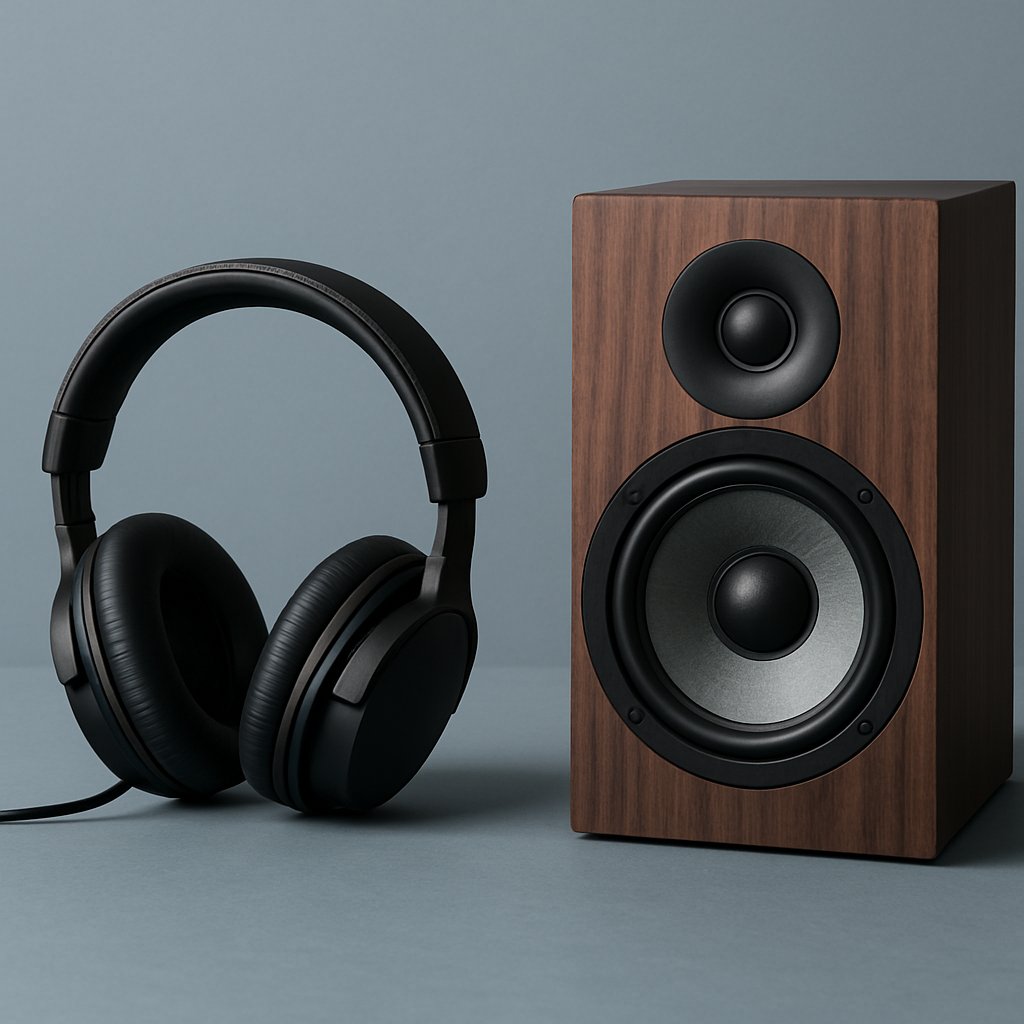
Headphones vs. Speakers: Which Should You Mix On?
When working to achieve professional-sounding mixes, one of the most frequent dilemmas is choosing whether to mix using headphones, speakers, or both. Each playback method shapes not only what you hear, but also how your creative decisions translate to the real world. The key to mixes that sound great everywhere is to thoughtfully leverage the strengths—and recognize the limitations—of both headphones and speakers. Most modern engineers create and refine their mixes inside digital audio workstations, which allows them to seamlessly switch between monitoring setups with ease.
To help you avoid mixes that only sound good in one situation, let’s explore how your mixing environment shapes your perception, common pitfalls to watch out for, and practical strategies for reliable results across any playback device.
How Your Environment Shapes What You Hear
Before deciding which tool to use, it’s important to understand how both headphones and speakers influence your audio experience in fundamentally different ways. These influences can be subtle but crucial, affecting everything from frequency balance to the sense of space in your mix.
Mixing with Headphones: Direct, Isolated Sound
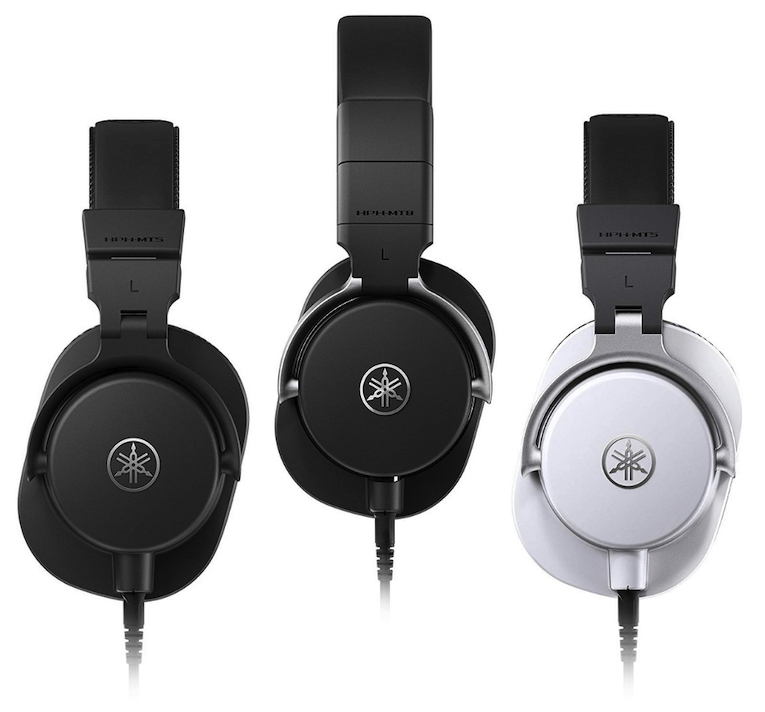
Headphones deliver audio straight to your ears, minimizing the influence of your room. Closed-back models block out much of the outside world, giving you isolation that can be very helpful for detailed editing. Open-back headphones, conversely, let in some external sound, providing a more natural, airy sense of space.
The major upside to headphones is the way they eliminate your room’s acoustic coloration. Unlike speakers in an untreated space, headphones allow you to hear small details and balance choices without worrying about reflections or resonances. However, this isolation also means you’re not hearing how most people will experience your music—played aloud in various spaces. Additionally, headphones can “color” the frequency response in their own unique ways, sometimes emphasizing or reducing certain frequencies.
Mixing with Speakers: Room Interaction and Space
In contrast, speakers project sound into the space around you. Before reaching your ears, the sound waves bounce off walls, floors, and objects—creating a sense of depth and realism but also introducing potential acoustic problems. Room dimensions, untreated surfaces, and furniture all shape how you perceive the sound, sometimes causing unwanted coloration, muddiness, or exaggerated bass.
Nearfield studio monitors, like the Yamaha HS5 or Neumann KH 80, placed close to your listening position, can reduce some of this room interaction, but the influence of your space is always present. Even modest investments in acoustic treatment or optimal speaker positioning can make a remarkable difference in what you hear.
Why Perception Gets Distorted: Understanding the Differences
Because headphones and speakers present sound so differently, the same mix can feel surprisingly different between the two. Understanding these perceptual shifts will let you make more informed decisions as you work.
Stereo Imaging and Soundstage
One key difference is how each setup handles stereo width and placement. Headphones separate the left and right channels directly to each ear, often making panned elements seem extremely wide—sometimes unnaturally so compared to speaker playback. With speakers, the stereo “image” is projected into the room, and the center point (where vocals and kick drums often sit) feels focused, but the apparent width can shrink due to room influences.
This means balances that seem exciting in headphones might sound skewed or exaggerated through speakers. Similarly, panning decisions made on speakers generally translate better to real-world listening.
Frequency Response and Tonal Balance
Both headphones and speakers introduce their own tonal imprints. Headphones, depending on the model, can accentuate or suppress certain frequencies, and are especially variable in the low end. Speakers, on the other hand, are greatly shaped by your room—creating peaks and dips in the response, particularly in bass frequencies. A mix that sounds punchy on your headphones may turn out boomy or thin elsewhere.
Phase, Depth, and Effects Perception
Depth and ambiance also translate differently. With speakers, your room itself adds a sense of space, blending reverbs and delays naturally. On headphones, these effects can feel artificial or disjointed. Additionally, phase issues—where frequencies combine or cancel—are often easier to detect with speakers, while headphones can “hide” these problems due to the physical separation of channels.
Common Pitfalls—And How to Solve Them
Given these differences, many beginners fall into the trap of relying exclusively on just one method, leading to mixes that struggle on other systems. By knowing where trouble arises, you can take simple but effective steps to avoid the most frequent mistakes.
When Mixing on Headphones
Mixes created solely on headphones often end up with bass imbalances (too much, too little, or simply unbalanced) and overly wide stereo images that sound unnatural elsewhere. The isolation of headphones, while helpful for detail, can hide how elements interact in real-world playback environments.
When Mixing on Speakers
Most home studios lack acoustic treatment, resulting in uneven bass, comb filtering, and reflections. You might craft a mix that sounds perfect in your room’s “sweet spot,” but falls apart when played elsewhere or in mono. Speaker placement and room correction tools, even at a basic level, can help significantly here.
Leveraging Modern Tools
Luckily, there are solutions. Crossfeed plugins help headphones simulate a more speaker-like experience by lightly blending the channels, taming exaggerated width. For speakers, acoustic panels, bass traps, and calibration software can all reduce the worst room issues.
No matter your approach, routinely comparing your mix against high-quality reference tracks is invaluable. This keeps you honest by reminding you what well-balanced, professional music sounds like in your current listening environment.
How to Mix Accurately on Both Platforms
To create mixes that consistently translate, integrate both headphones and speakers into your process. Each offers benefits that complement the other—combining detail work with a realistic sense of space and balance. Here are some actionable guidelines.
Best Practices for Mixing with Headphones
- Pick neutral headphones: Use studio-oriented models designed for accurate, flat frequency response, not consumer or gaming headphones that may boost bass or treble.
- Keep panning moderate: Avoid extreme hard-panning, since what sounds immersive on headphones may seem lopsided on speakers. Subtlety ensures better cross-platform compatibility.
- Watch your volume: Limit long, loud sessions to reduce ear fatigue and better protect your hearing and perception.
Best Practices for Mixing with Speakers
- Apply acoustic treatment: Even a few bass traps or foam panels will make your room sound more accurate, especially in the low end.
- Position monitors precisely: Form an equilateral triangle between the speakers and your listening position, with tweeters at ear level and spaced away from reflective walls.
- Check from different spots and volumes: Move around your room and listen at varied loudness to catch issues outside the main listening position.
Ensuring Your Mixes Translate Everywhere
Ultimately, listeners don’t use the same equipment—or environments—you do. That’s why cross-referencing your mixes on different devices is essential.
- Test on multiple sources: Try your mix on car speakers, cheap earbuds, phone speakers, and anything else you have. Each one may reveal new issues.
- Alternate between headphones and speakers: Switching often lets you catch translation issues early.
- Check in mono: Some playback systems sum audio to mono, which can reveal phase problems or cancellations otherwise missed. If a part vanishes or the mix changes drastically, revisit your pans and stereo effects.
- Continuously reference pro mixes: Keep a few favorite commercial tracks handy and A/B them in your setup to ground your ears and reset your expectations.
Final Thoughts: Mix with Awareness, Not Assumptions
No single listening method gives the whole picture. Mixing with only headphones or only speakers introduces blind spots that can undermine your work in unexpected ways. The balanced approach—using both, verifying results across a range of playback systems, and making small improvements to your listening environment—is the surest path to mixes that withstand real-world scrutiny.
Stay curious, stay critical, and above all, keep referencing professional tracks. Your mixes will become more consistent, reliable, and impactful—wherever and however your audience encounters them.