

► Display Settings
►Functionality Settings
►MIDI Settings
Random Note and Chord Generator
This applet plays random music notes to help you practice switching between notes. Play the note on your musical instrument as it is displayed on the screen. You can adjust the tempo as needed to decrease or increase difficulty. Additionally, it can be used in whatever way best suits your practice. This can include practicing chords, arpeggios, singing, etc. You can also run this applet without looking at the screen to practice finding and playing notes on your instrument strictly by ear.
Updates:
August 28th, 2025: Staff View has been expanded with several improvements. A new preview feature now shows the upcoming note or chord in a lighter, grayed-out style to aid sight-reading, enabled by default. Users can also switch from automatic clef changes to a new Grand Staff option, displaying both treble and bass clefs together for smoother practice across ranges. In addition, Staff View now supports MIDI input: correctly played notes turn green for instant feedback, and with “Use MIDI to Advance Notes” enabled, users can progress through each note or chord step-by-step at their own pace.
June 23rd, 2025: User settings now save and load automatically from local storage, so you no longer need to manually re-enter your preferences each session. A “Reset All Settings” button has also been added to quickly restore default values. A new scale selector is available under functionality settings, allowing generated notes to be filtered based on the selected scale for more targeted practice. Additionally, keys on the on-screen keyboard are now clickable and, when “Use MIDI to Advance Notes” is checked, can be used to advance to the next note instead of relying on the metronome. Various minor issues that occurred under certain conditions have also been fixed.
October 23rd, 2024: In chords mode, we’ve added a “Chord Root Note Range” slider and extended note filtering to allow selection of specific chord roots. Users can now mute the audio of generated notes for those preferring visual practice or voice-only announcements. Bug fixes include ensuring the “Select Notes to Include” feature properly prevents certain notes from playing and that voice announcements work correctly when set to speak on the last beat with “Repeat Note on Every Beat.” Additionally, “Show octave numbers on notes” has been moved to display settings for better organization, and tooltip information now displays the tempo when adjusting the tempo slider, enhancing visibility on various screen sizes.
July 23rd, 2024: We’ve added staff notation! Randomly generated notes and chords now appear on the musical notation staff for those looking to improve their sight-reading and note recognition. You can switch to this view by clicking the arrow buttons to the left and right of the on-screen piano. Additionally, there’s a new checkbox option to show octave numbers on each note for better clarity. Stay tuned for more improvements related to this new functionality.
July 21st, 2024: Per user request, we introduced a note selection feature allowing users to toggle checkboxes to specify which notes to include in the random note generator. In chords mode, these selected notes serve as roots. The “Minimize Similar Note Occurrences” feature has also been improved to handle edges cases where the same notes were still playing back-to-back. Additionally, general improvements were made to the code to prepare for continued additions.
July 7th, 2024: At the request of users, we’ve added a new selectable octave/note range feature, allowing users to choose specific start and end notes for more targeted practice sessions. Accordingly, the “Use MIDI to Advance Notes” feature has been enhanced to apply across any octave. Additionally, basic voice announcement functionality is now working on iOS, providing spoken feedback of notes and chords with further improvements on the way.
June 23rd, 2024: Introduced a user-requested voice announcement feature that speaks the name of the note or chord, aiding in ear training. Users can customize voice announcement settings, choosing to hear the announcement on the first or last beat of each measure and selecting from available system voices. Currently, this feature may be unavailable on some mobile browsers, particularly Safari on iOS devices.
Implemented several other user-requested features to enhance practice flexibility: reduced the minimum tempo to 10 BPM, allowing for extremely slow practice sessions, and added an option to mute the metronome click for silent practice. Lastly, introduced smooth animations for opening and closing settings menus, improving the overall user interface.
June 9th, 2024: Redesigned settings menus for improved organization and responsiveness to better accommodate future requests. Added a “Delay Display of Notes” option per user request; notes are now only displayed on the last beat of the measure for improved ear training.
Also added a “Minimize Similar Note Occurrences” option per user request, which is enabled by default. With this option, the same note will not be repeated until all notes within the chromatic group have been cycled through, making note generation more efficient.
April 20th, 2024: We’ve combined the Random Chords Generator and the Random Notes Generator into a single feature with a togglable switch, allowing you to easily switch between random notes and random chords during your practice sessions.
Additionally, a new “Use MIDI to Advance Notes” checkbox has been added, which disables the metronome and gives you control over the progression of chords using your MIDI input, enabling you to match chords at your own pace. Various performance improvements and minor bug fixes have also been implemented.
Feb 27th, 2024: Added a Repeat Note Feature, giving you the option to play the same note on each beat, rather than once per measure. This enhancement is ideal for ear training, allowing you to hear the note multiple times before it changes.
Feb 11th, 2024: Added a MIDI input feature, enabling users to select and connect to their MIDI keyboard for interactive play-along sessions with visual feedback. Additionally, togglable key labels have also been introduced so beginners can more easily identify which notes are being played.
Keep the requests coming!
There is also a video version available here: YouTube: 1 Hour Random Music Notes that Get Faster
Ready to put your note and chord skills to the test? Play our new game: Chordonomy
-
Improve Your Mixing Ear with EQ Frequency Training
If you’re looking for any edge and want to improve your mixing ear and continue to develop your music production skills, EQ frequency ear training can help.
-
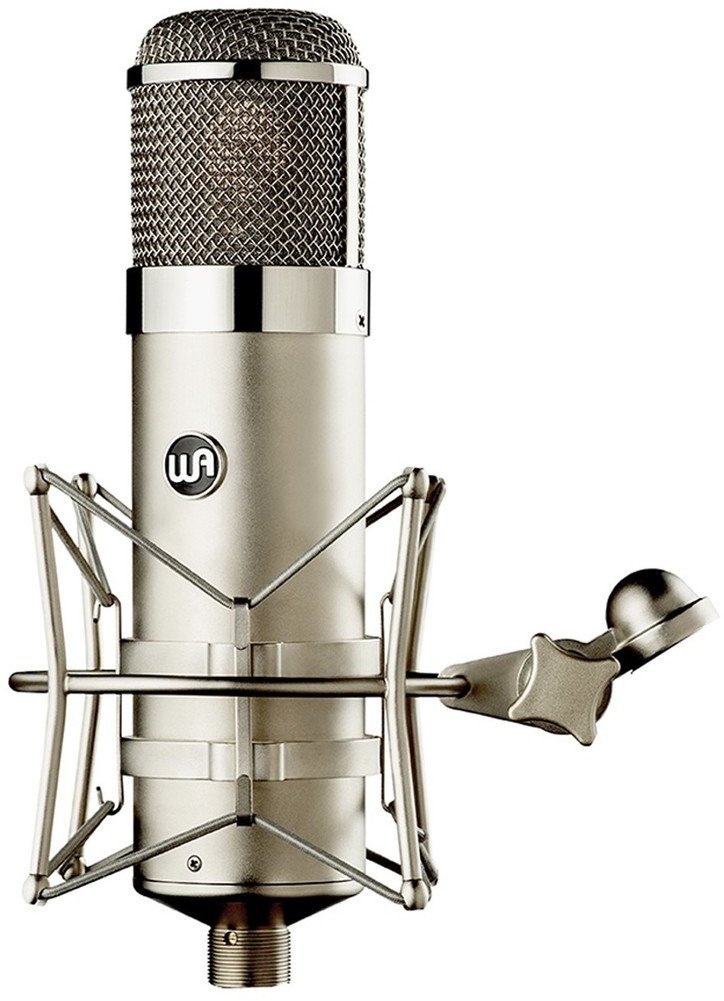
Review: Warm Audio WA-47 Condenser Microphone
The Warm Audio WA-47, is it worth it? We carefully reviewed the pros and cons of the U47 inspired multi-pattern, large-diaphragm, tube condenser microphone.
-
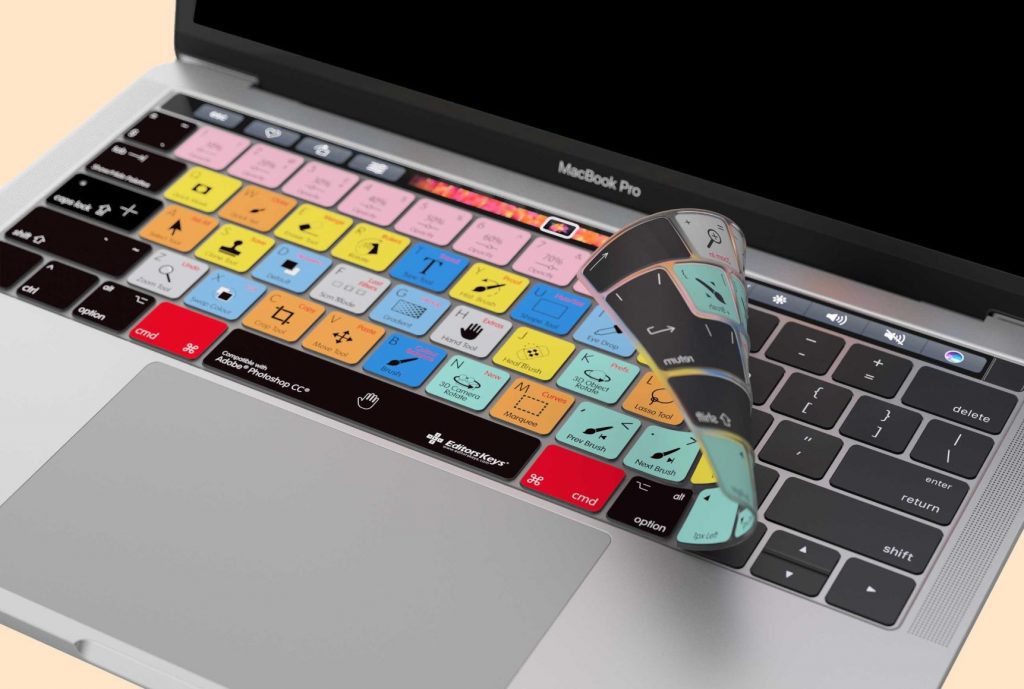
Improve Music Production with Keyboards Designed for Your DAW
Workflow matters as a music producer. Find your edge and optimize your productivity with keyboard skins and specialized keyboards for your DAW.
-
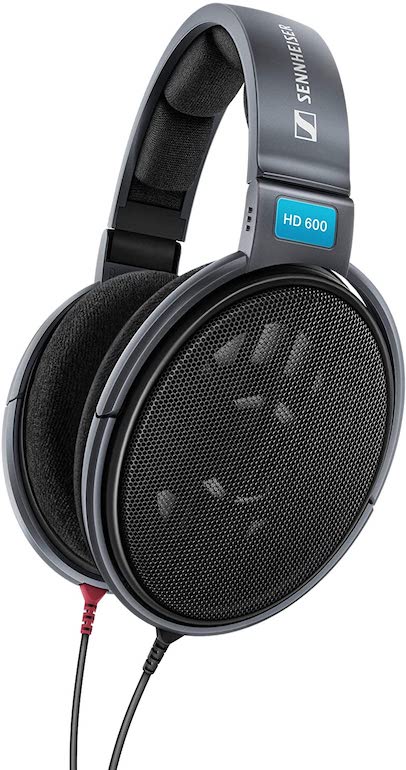
Review: Sennheiser HD 600 Open-Back Headphones
So far it's all been good, but what about the bad? Does the Sennheiser HD 600 live up to its reputation? Let's review these open-back studio headphones.
-
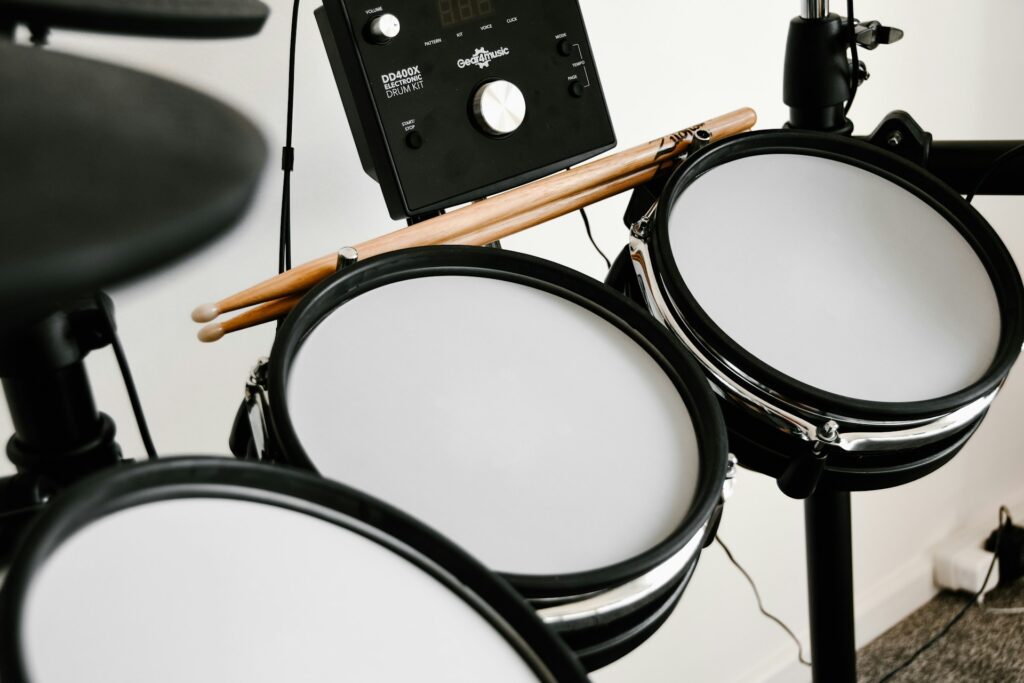
Should I Get an Acoustic or Electronic Drum Kit?
Looking to start playing the drums but unsure whether to go for an acoustic or electronic drum kit? Dive into the pros and cons of each option to make an informed decision.
-
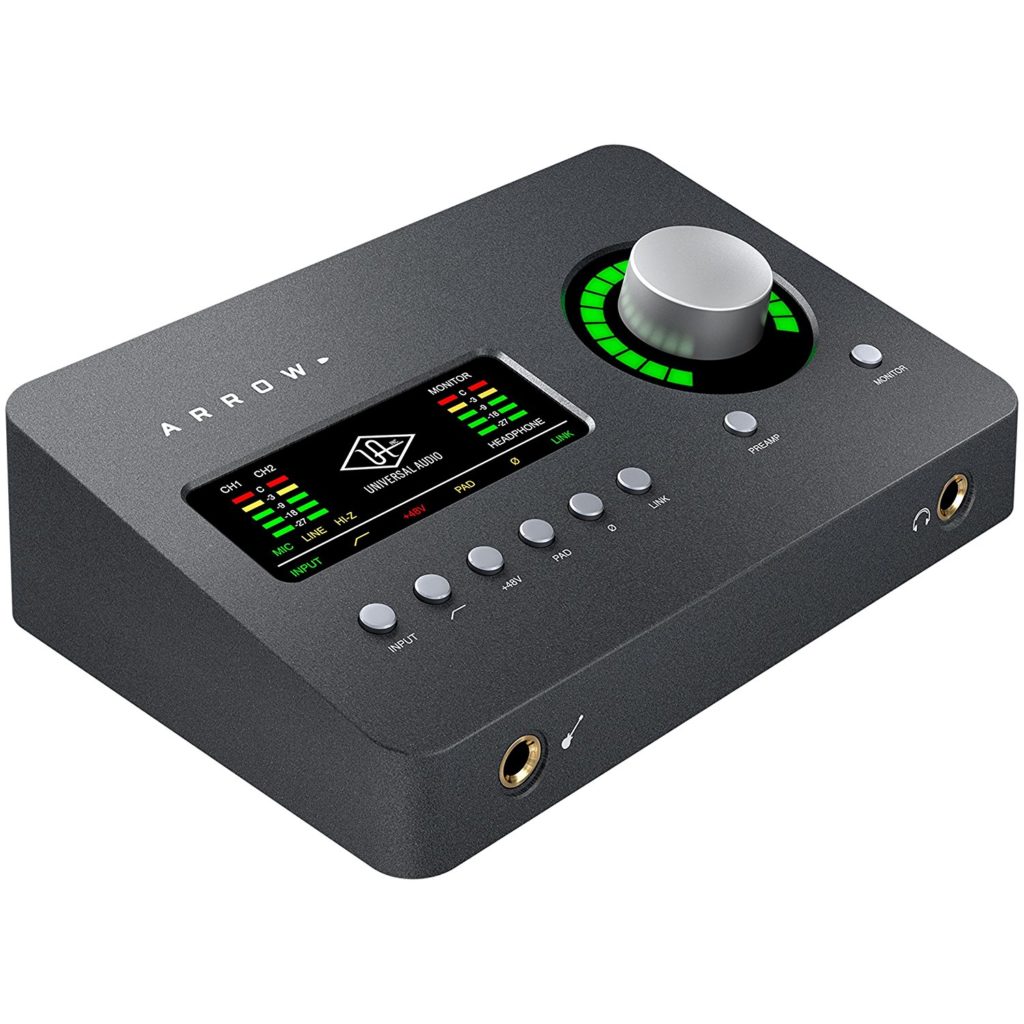
Review: Universal Audio Arrow 2×4 Audio Interface
A Small Unit That Has a Lot to Offer.. Universal Audio has been working hard over the years to ensure a steady flow of excellent products. Most certainly, this device completes that line of notable devices. The Arrow now costs $499, thus becoming the most affordable
-
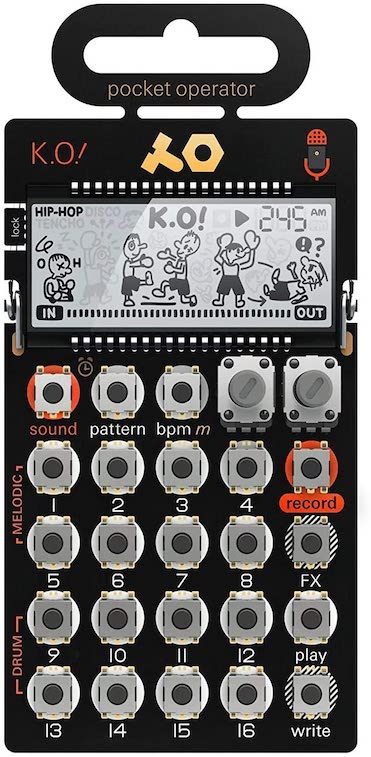
Review: Teenage Engineering Pocket Operator PO-33 KO
We review the Teenage Engineering Pocket Operator PO-33 KO!, a unique micro sampler that punches above its weight. But, is it really a knockout?
-
How Do I Finish Music Tracks And Overcome Perfectionism?
Discover practical tips for overcoming perfectionism and strategies to help you finally finish your music tracks as a producer.




I tried to go super fast in singing, this really helped me learn to switch notes faster!
Although it was working in the browsers we checked when you reported your issue, the app has since been updated. It should be working now for you.
[…] to practice random notes instead of chords? Check out: Random Music Notes […]
If you had an option to delay the text showing the note by a number of beats this would be a great endless ear training test. Example- the note plays and 4 beats later the answer appears.
Another thing that would be great is a voice saying the note name, so it could be used as ear training without looking at the screen.
Those are great recommendations. We will work on adding them into our program as options asap!
[…] Random Notes for Instrument Practice […]
This is an amazing site. It would be great if you could have it limit repeats of notes until its gone through a chromatic group (or at least make that an option). A lot of times I am playing the same few notes or even the same note repeatedly. Thanks for the great work!
We have now deployed your requested feature! Thank you for your recommendation.
Great site! A simple option to select or unselect flats/shaps/naturals would be really nice. Thanks!
This will be coming soon among some other new features. 🙂
Please make it possible to do much slower. I want to practise while cycling, but I need time to look at the note so it isnt dangerous, and also some breathing room. Plus, not hearing metronome would be nice
Thanks for your suggestion. We have now halved the minimum tempo from 20 BPM to 10 BPM, and implemented an option to mute the metronome click.
Please add an ability which octaves to play. So that you could practise 1, then 1 2, then 1 2 3 or 2 3 etc
This feature has now been implemented. Thank you for your suggestion.
Choosing witch and urgent notes you could play would be awesome
Choosing which individual notes you could play would be awesome
A note selector has now been added. Thanks for your suggestions.
amazing, wish it can go more octaves up and down. :3
This feature has now been implemented. Thanks!
This is a really great tool. I only wish I could adjust the range of notes played. I’m using it to practice cello and all of the notes that are generated are quite high. If I could just expand the range to include lower octaves, it would be perfect.
Other users have wanted this as well. Just added this feature. 🙂
Selectable individual notes. If I want to work on something specific, such as, Em arpeggios, I would like to only cylce through E, G, B randomly.
This feature is now live. Please let us know if you have any other feedback.
Very nice!! Thank you for the quick response and such a valuable training tool!
Wow, this tool has really improved since the last time I used it, and it hasn’t even been that long. Great job on these new settings and features!
I love this tool!! A small improvement could be to display the “next note/chord” right below the current note/chord.
Right now the next chord/note is displayed below the keyboard or key labels. However, this setup makes it diffucult to see the next note when using the generator on a smaller screen such as your phone.
really really good website may i say super helpful. could you add an option to change the volume of the notes? I can there the voice saying the note very well, would be cool if you could make the notes quieter or mute them entirely
Hi, thanks for your suggestion. We have now added an option to mute notes.
and unfortunately the selecting which notes to practice option doesn’t seem to work, I still get notes I deselected. But this is a really really good tool so I’m sorry for criticising!
We found that there was a bug with certain sharps/flats. This has been fixed now! Thank you for reporting it.
Great job!
Hi there! nice work on the updates! Where do I find the iOS version?
Repeat note on every beat doesnt seem to work with the anouncer for me
Hi, this should be fixed now! Thanks for letting us know. 🙂
Any plans on making some kind of seed-vode generation for client-side saving of chosen options, with insertion of that code to load settings? Or any other kind of profile saving for quick access to different configurations?
Yes, this is actually on our to-do list already! We will include this sometime in the near future!
All settings now automatically save and load from local storage, along with a reset button to reset the defaults if needed.
seed-code
Couls you make the announcer announce the full note like c4
Thanks for this. I am just starting to learn bass and this is the best tool I have found so far (saw it on the talkbass forums) to work on learning notes on the fretboard. I do have a couple of ideas.
1) is there an app for mobile devices? This would be a great tool to have on the go as I learn.
2) I appreciate the addition of the staff notation of the current note. Could there be added staff notation for the upcoming note. That would be more a more natural way I would use notation–seeing the next note before I need to play it–the way I would actually be reading sheet music.
3) I would also suggest putting the tempo slider and the BPM value readout much closer together.
Hi, we do not currently have a mobile app available. Your idea for displaying the next note/chord on the staff is a great idea and we will be implementing that in one of our next updates. Per your suggestion we have also added a tooltip that shows the BPM as you move the slider that should make it much easier to see. Thanks for all your suggestions!
Wow this app keeps getting better! I realize there are many ways to use it and right now I am using it to practice sight reading in ledger lines above the staff. In order to do this I am running the audio through a 1 second delay plugin, so I get one second to play the correct note and when I do I hear the audio as well to confirm it. This would be a great option to add- delay the audio by a number of beats. It’s the opposite of using it for ear training where you want to hear the note first and then get the answer displayed after.
Also for guitar players it would be great to have the option of treble clef only. Right now when notes are lower it switches to bass clef. The opposite would be good for bass players- bass clef only. thanks and keep up the good work!
Hi guys
Happy i came across your site i have just turned 70 and de ided to try and learn some chords on a guitar i now have learnt 6 chords and find your random generator
Great for learning to randomly play ABCDE and G the speed setting is great as i am struggling a little so have it on about 4 beats a minute i am sure it will help me to get there but im not in a hurry
Any chance you could make it to remember the settimgs so that i do not have to adjust it to do just the 6 chords each time and also the chord charictor size a little larger would be great as i end up zoomimg in on it to make it display larger
Anyway thanks for spending the time on it to make it such a helpfull program
Barry
If no no problem as im am sure i found it and i think its gradually working
Hi there, settings now automatically save and load from local storage with a reset button to reset the defaults when needed. We will continue to make improvements, thanks for your feedback.
this is an amazing site, well done!
it would be amazing if you could choose a “drone” note, a note constantly ringing for ear training purposes. That way you could practise changing degrees in any scale, say you put a drone note a bottom C and then you play the notes of c major. that would be awesome. thank you!
Need to show both clefs when seeing random notes. Please don’t display separate.
Hi Tony, I know it’s been a while, but this feature has now been implemented as an option. Thanks for your feedback.
This is a wonderful tool. I use it on my laptop.
The only thing I cannot figure out is how to SAVE my settings for the Random Note Generator.
Each time I come back to it ….it has gone back to default settings and I have to set all
my preferences again. Thank you kindly.
The Start and Stop button does not work. I tried on Chrome and Safari on my iPhone. Thanks.
here´s a suggestion: could you allow to select a specific denomination for the denomination of a note? for example just using F#, and never Gb.
Great tool! Please add the ability to randomize a selectable number of notes/chords. Maybe 1, 2, or 3. Adding a cookie to save our config would also be very helpful. Thanks!
Hi Frank, your settings will now automatically save and load from local storage so you don’t have to input it each time. Apologies for the delay, but feel free to tell us more about the first feature you mentioned. You currently can select which notes you want to use with the generator, but it sounds like you mean something else? Thanks.
It works great on my laptop. However on my iphone I can‘t hear anything 🙁
Is there a downloadable version of this app ? Web or if there’s a mobile app would be great
Hi! Thank you so much for this amazing tool. I’ve been playing guitar for years and finally decided to learn all the notes on the fretboard, and this has been incredibly useful.
One little suggestion that would make this training even more enjoyable, would be to implement the option to get a voice announcement of the upcoming note. That way we wouldn’t need to look back and forth between the fretboard and the screen to check which note is coming. Thanks again this is great.
Enjoying using this tool very much, but I think may be worth checking the pitch of some of the very high notes.
I am having to redo the settings I want each time I load the Random Note and Chord Generator.
What do I need to do to save the settings so the next time I power up my PC and go to the app, my settings will reappear.
Is it possible to have an option to show the ‘next note’ of the staff at the same time it is shown as a key label?
It’s confusing to read the next note key label and it doesn’t correspond to the note in the clef.
Just another ask to have an option to show the next note on the staff at the same time as its shown in the key label. This means the user gets used to reading the staff note ahead of playing it. At the moment I don’t see the point of displaying the staff note as it displays just as it sounds, which is too late.
Hi Robert, we have now implement a note preview feature for the staff so you can see the next note or chord before it’s played. Thanks for your suggestion..
I don’t know if it’s on my end, or if something went wrong…
The metronome isn’t available (defaults to Medium Fast – 120 BPM and no way to change it) and the drop down for “Select Voice” is empty and doesn’t work.
Otherwise, great site and tool!
After restarting the computer, Metronome slide is available again. The voice selection still empty, but is available on my iPhone Safari site.
Please one thing that would be great to add would be the possibility to have the random chords played to be restricted by type (Major, Minor at the very least).
For example if i select to only include Roots D and E and B, I want the possibility to only have DMaj EMaj and BMaj played by the engine.
This would be great for harmonic ear training.
Thanks for your suggestion, Osvaldo. This is something we will look into including for our next update.
Hi. Really great job!
I have only one suggestion. You could try to add a transposition feature, so saxophone or trumpet players, for example, could enjoy this app.
Hello! This is a great tool and is really helping me learn chord transitions on piano. One thing that would help, and I think Osvaldo mentioned something similar above, is to select what types of chords are available in the random pool. It would be helpful if I could only be cycling through major, minor, M7, m7 and such without jumping to the intermediate chord pool
love this – can you add something to remember my settings? Cookies?
And can the voice call out the note before the first note play? i.e. on the last note, so I can practice this without looking at the screen…. thanks!