Audio Answers:
How do I check if my audio system is working properly?
Question: “I want to make sure every part of my audio setup works before a big event, but I don’t know where to start. How do I check if my whole audio system is working properly?”

Workflow Verification: The Foundation of Reliable Audio Systems
Imagine preparing for an important performance, stream, or recording session with absolute confidence in your audio setup. Achieving that level of trust doesn’t come from luck or last-minute fixes—it comes from following a clear, repeatable process known as workflow verification. Regardless of your system’s size or purpose, understanding and practicing workflow verification ensures your audio gear consistently delivers when it matters most.
Why Workflow Verification Matters
To appreciate the value of workflow verification, consider what can go wrong without it. Skipping proper checks turns small, hidden mistakes—like a faulty cable or misconfigured software—into show-stopping problems. One overlooked issue can lead to unexpected silence, technical glitches, or lost recordings. Workflow verification is about catching these vulnerabilities early, so your system performs as expected under real-world conditions.
But this process isn’t about obsessing over perfection. Instead, it’s about building confidence in your setup by confirming every component, connection, and function works together as intended. When you document and repeat this process, you replace anxiety with assurance and develop habits that support reliable audio, every time.
What Is Workflow Verification?
So, what does workflow verification really mean in an audio context? At its core, it’s a step-by-step process to ensure your system operates as intended from end to end:
- Verification: Methodically check that all hardware and software are installed, wired, and configured according to plan.
- Validation: Test your system under regular use conditions to confirm it actually delivers the performance you need.
- Repeatable Workflow: Use a documented checklist to systematically evaluate every element—from input to output—making sure nothing is left to chance.
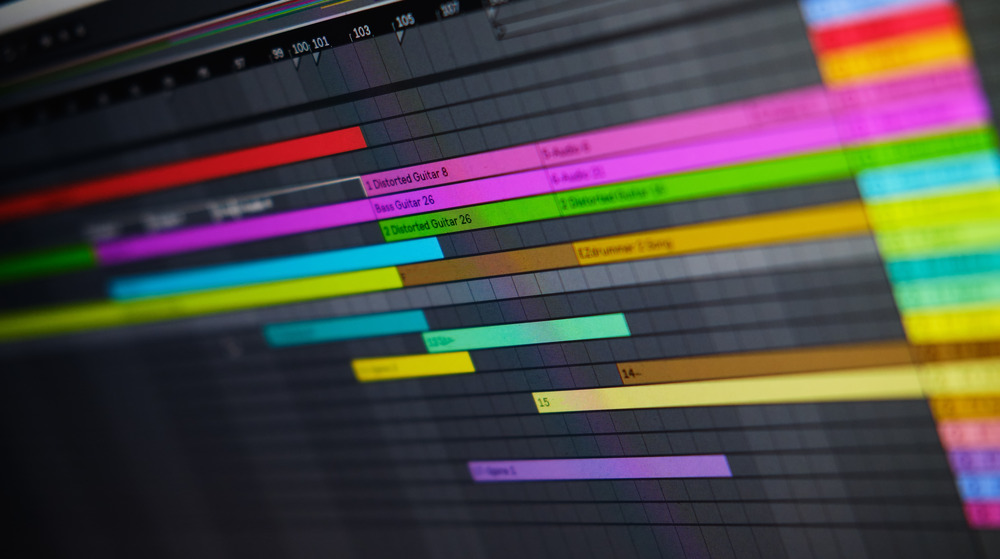
No matter if you’re running a compact home studio, a multi-room conference system, or a concert rig, these principles hold true. If it processes or moves sound, it benefits from workflow verification. For those working in modern production environments, understanding what are digital audio workstations DAWs is also essential, as these platforms are integral to consistent and verifiable workflows.
Designing Your Test Workflow: Laying the Groundwork
To create a thorough and effective test workflow, start by defining the critical roles your system must fulfill. Make a clear list of technical needs, safety requirements, and performance benchmarks such as frequency response, noise levels, and acceptable latency. This roadmap provides clarity on what “success” looks like during testing.
Next, map out your entire signal path. Visualizing the flow—starting with the first input and following it all the way to the last output—helps reveal possible trouble spots and ensures you don’t overlook a single link in the chain. This signal flow diagram sets the stage for your step-by-step checks.
Step-by-Step Verification: From Prep to Performance
A thorough check involves more than just plugging everything in and hoping for the best. Let’s walk through each stage of the workflow, carrying forward what you’ve defined and mapped out.
1. Preparation and Setup
Begin by bringing together everything you’ll need:
- Documentation: Gather manuals, schematics, and your test checklist for reference.
- Workspace: Keep your area organized—clutter leads to missed details and errors.
- Calibration: Use trusted measurement tools to ensure your baseline settings (such as reference levels) are accurate before running tests.
2. Hardware and Software Checks
With your roadmap in hand, test each piece in your signal chain, one at a time:
- Sources: Confirm microphones, instruments, or playback devices pass signal correctly with test tones or known audio inputs.
- Processors: Route audio through every EQ, compressor, and effect unit to ensure proper function.
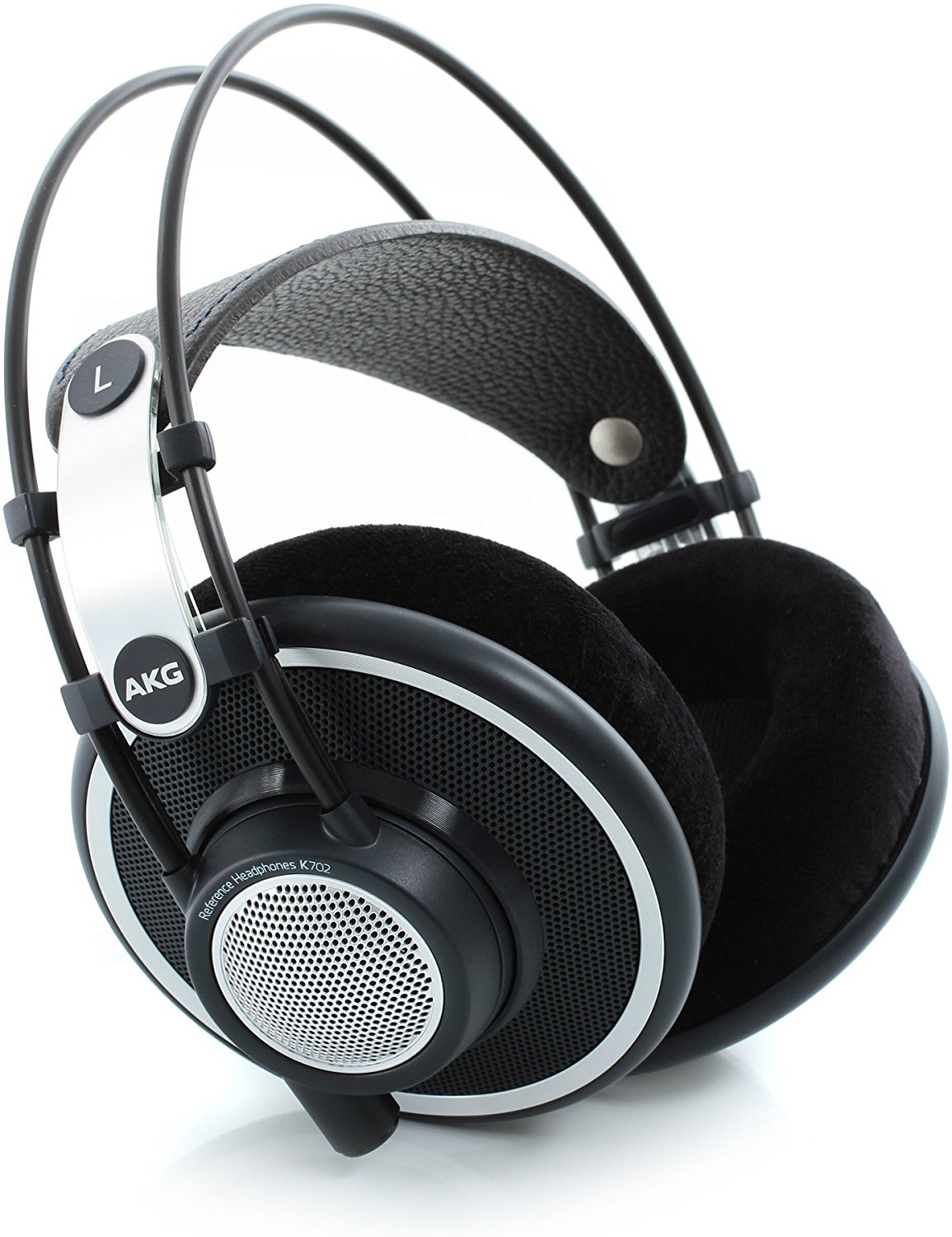
- Amplifiers and Speakers: Verify amplifiers output clean power without overheating, and check every speaker or monitor for even, distortion-free sound. If you use precision monitors such as the Neumann KH 80, reliable monitoring becomes a crucial part of your workflow verification routine.
- Cables and Connectors: Examine and firmly flex each cable and connector, looking for hidden faults that only appear with movement.
- Software Tools: Open and test any DAWs, plugins, or monitoring apps you’ll use to confirm stable operation, correct routing, and reliable control.
3. Functional and Performance Testing
After verifying the basics, move on to in-depth functional tests:
- Signal Checks: Send test tones through the full system, listening and measuring at each stage.
- Gain Staging: Adjust input and output levels to ensure audio is neither distorted nor lost to noise.
- Polarity/Phase: Use phase-check tools to confirm consistent wiring and correct phase relationships throughout the system.
- Frequency Response and Distortion: Measure output with audio analyzers and check for unexpected peaks, drops, or distortion (check THD).
- Noise and Latency: Listen for background hiss or hum, and test for noticeable audio delays, particularly in digital chains.
4. System Integration and Controls
Modern audio systems often include multiple channels, digital interfaces, and remote controls. Don’t overlook these integration points:
- Multichannel Sync: Confirm all channels remain perfectly in time, especially in surround or multi-zone setups.
- Converters: Test analog-to-digital and digital-to-analog interfaces for seamless, artifact-free operation.
- Redundancy: If you have backup systems, switch to them and verify they handle the full workload without issue.
- Controls & Automation: Try recalling presets, automating scenes, and checking software/hardware remote functions for reliable, repeatable results.
- Metering: Verify that all meters and indicators accurately reflect real audio levels.
5. Using the Right Test Tools
Good results rely on proper instruments. Essential tools include:
- Audio Analyzers & RTAs: Provide objective measurements for tuning and troubleshooting.
- Signal Generators: Sine waves, pink noise, and white noise help probe the entire system.
- Oscilloscopes/Multimeters: Spot electrical issues or diagnose signal irregularities.
- Loopback/Test Cables: Simplify fault isolation.
Common Pitfalls and Mistakes—And How to Avoid Them
A smooth verification process also means knowing where people typically slip up. When problems arise, trace the fault methodically from input to output to isolate the cause. Don’t assume the problem is obvious—wiggle every cable and test every connector for intermittent issues. If you ever doubt a cable or interface, replace it. On the software side, always back up configurations before applying updates or changes to avoid data loss.
Reliable Verification Is a Habit, Not a One-Time Task
To maintain consistency and reliability, develop routines and record-keeping that make workflow verification second nature:
- Document tests and findings for future troubleshooting and team transparency.
- Use standardized checklists each time to prevent missed steps.
- Repeat and refine your workflow so others can follow it and achieve the same results.
- Include routine maintenance of your test tools in your schedule so your measurements stay trustworthy.
Automation: A Powerful Aid—But Not a Substitute for Attentive Testing
Automated tools and scripts can handle repetitive checks and help track results, making the process more efficient. However, they don’t eliminate the need for your keen attention and listening skills. Some problems—such as subtle distortion or room-specific issues—require the human ear and thoughtful observation, not just data from automated tests.
Bringing It All Together: Make Workflow Verification Your Standard Practice
Reliable audio is built on intentional, thoughtful workflow verification—not on last-minute luck. By routinely testing and documenting every aspect of your system, you ensure smooth performances, minimize technical surprises, and gain confidence with every use. This practice empowers you to enjoy your audio experience fully, knowing your technology won’t let you down.