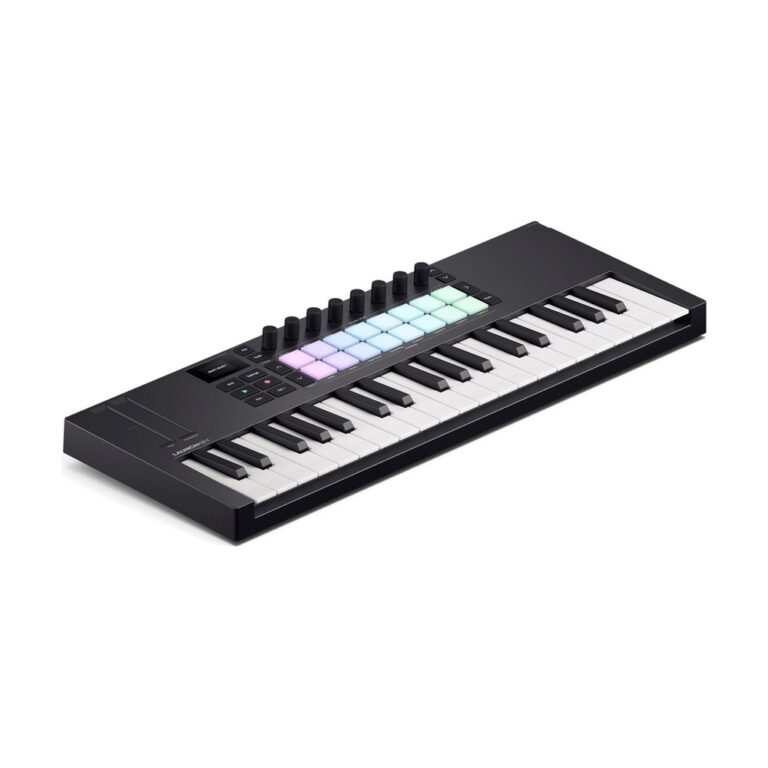
You’ve opened FL Studio, GarageBand or Ableton Live for the first time. There’s a track, a grid, and down the left-hand side, a sideways piano. Half the tutorials you click on start with someone playing a little keyboard, and every “first studio” video seems to have one front and center. So before you make a single beat, you start wondering whether you’ve already fallen behind.
You haven’t. “Do I need a MIDI keyboard?” is a fair question, though, and the answer depends less on the gear than on how you like to write music. It helps to know what a MIDI keyboard actually is first, because it’s not quite what most people think.
What a MIDI keyboard actually does
Here’s the part that surprises most people: a MIDI keyboard doesn’t make a sound. Plug one in, press a key, and if nothing on your computer is listening, all you’ll hear is the soft clack of plastic.
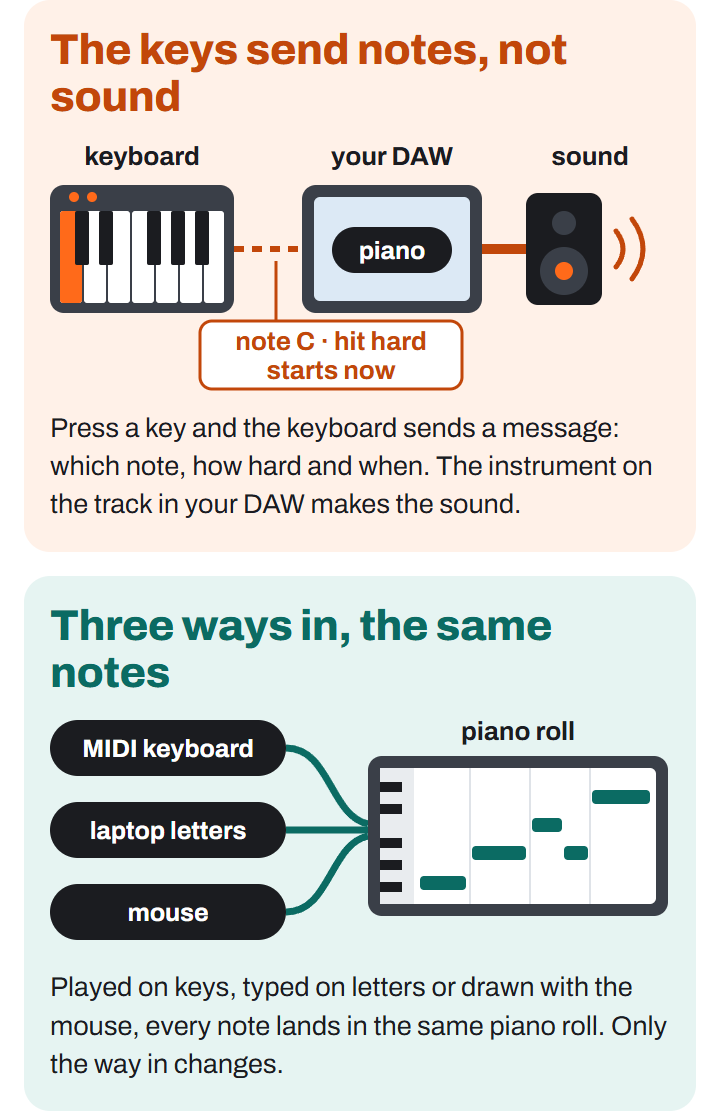
What it sends is a message. Press middle C and it tells your DAW which note, how hard you hit it, and that it starts now. Let go and it sends another one: stop. The DAW hands those messages to whatever instrument sits on the track, a piano, a synth, an 808, and the instrument makes the sound. The same keys can be a grand piano one minute and a choir the next, because the keyboard never knew what it was playing.
That’s why the question isn’t whether you can make music without one. You can, because those messages can come from anywhere: from notes you draw with the mouse, or from the letters on your laptop. A MIDI keyboard is just the most natural way to send them, with real keys under your fingers, so you play a part instead of building it one click at a time.
If you want the longer story of how they work, the knobs and pads included, our explainer on what a MIDI controller is has it. Here we only need to answer one thing: do you need one?
Making music without one
Every DAW gives you two ways in that cost nothing.
The first is the piano roll, that grid with the sideways piano. Click to draw a note, drag it longer or shorter, move it up or down. It’s slow at first and quick with practice, and plenty of producers write most of their music this way, because you can place every note exactly where you want it and fix it later without playing it again. Drums in particular often get built click by click, in FL Studio’s step sequencer or a drum grid, even by people who own a keyboard.
The second is your computer keyboard. Every big DAW can turn the letter keys into a little piano:
- GarageBand and Logic Pro: Musical Typing (Command-K in GarageBand). Z and X change the octave, C and V make the notes quieter or louder, and Tab works as a sustain pedal.
- FL Studio: the “Typing keyboard to piano keyboard” option, so you can record notes from the letters the way you would from a MIDI keyboard.
- Ableton Live: the Computer MIDI Keyboard (press M). The middle row of letters plays the white keys and the row above plays the black keys, with Z and X for the octave and C and V for how hard the notes play.
Record with those and you’re playing in real time, with your own timing, which already feels more like music than drawing. For a first beat or a first song, it’s enough.
Where typing runs out
You’ll feel the limits soon enough, and they’re the reasons people end up buying a keyboard.
One loudness at a time. On the letters, you pick how hard the notes play before you press them, and every note comes out at that level until you change it. On real keys, every note is as loud as you play it. That’s most of the difference between a part that sounds programmed and one that sounds played. You can fix it afterward in the piano roll, note by note, but it’s slow.
A few notes at a time. A computer keyboard was built for typing one letter after another, and many of them can only register a handful of keys held down together, with some combinations dropping out altogether. Add the fact that a row of letters only covers about an octave and a half, and a chord in the right hand with a bass note under it in the left just doesn’t fit.
No feel. Letter keys are flat, shallow and all the same size. There’s nothing under your fingers that looks or feels like a piano, so you can’t find C without looking, play a run, or lean into a note. Fine for poking out a melody. Not much fun for playing one.
Do you need one for what you make?
Beats: not yet. Drums and 808s are usually programmed anyway, and the piano roll is where most beat makers live. When you want to play melodies and chords on top, a small 25-key keyboard with pads is plenty, which is why our guide picks one for beats.
Songs with chords: soon. Chords are where the letter keys give up first, and where real keys pay you back fastest. Find a progression you like with our Next Chord Finder, and you’ll want to play it, not click it in. If chords are new to you, Chordonomy drops them down the screen for you to play before they land, and it works with a MIDI keyboard in Chrome or Edge.
Learning piano: yes. You can’t learn an instrument without one. For this, get full-size keys, ideally weighted ones that feel like a piano, and practice reading notes on the beat with Random Notes while you’re at it.
And whatever you make, resist the urge to buy the biggest one in the shop on day one. A full 88-key controller on a small desk has a way of turning into a very long shelf for your coffee and mail.
When you do buy one
Two questions pick most of it for you: how many keys, and how big.
For beats and single-line melodies, 25 mini keys are enough. Thirty-seven is the smallest size where your left hand can hold a bass note while your right plays the chord. For proper two-handed playing, look at 49 or 61 full-size keys, and for learning piano, 88 weighted. Pads are handy for drums, a few knobs for tweaking sounds, and almost every keyboard runs off a single USB cable, so you don’t need an audio interface to use one. Most also come with a light version of a DAW and a pack of sounds.
Our pick: Novation Launchkey Mini 37 MK4
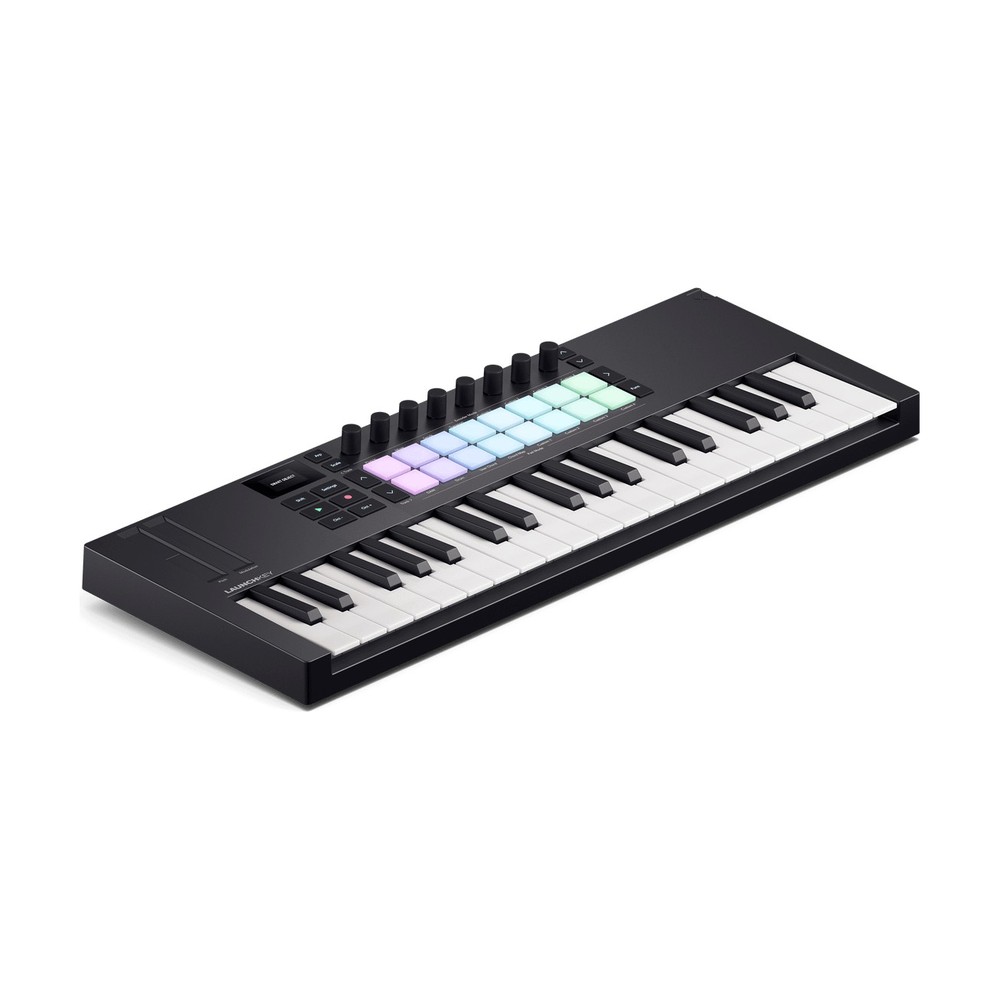
If you’ve decided it’s time, this is the one we’d start most people with, and the main pick in our guide to the best MIDI keyboard for beginners. Three octaves give you room for chords with both hands, and at about 19 inches wide it still fits on a small desk. It also helps with the music itself: scale mode keeps every key in your chosen scale, and Fixed Chord plays a whole chord from one finger, so ideas get down while your hands catch up. It’s a keeper, too, the kind of keyboard that stays on the desk for everyday use, and it comes with Ableton Live 12 Lite.
The catch: the keys are mini keys, and pitch and modulation are touch strips instead of wheels. If you’re learning piano, skip it and look at the full-size and weighted picks in the guide.
So, do you need a MIDI keyboard to make music? Not to start. Draw notes, type them, finish a few ideas. When you catch yourself wishing you could just play the part, that’s the day to buy one.
Happy producing.