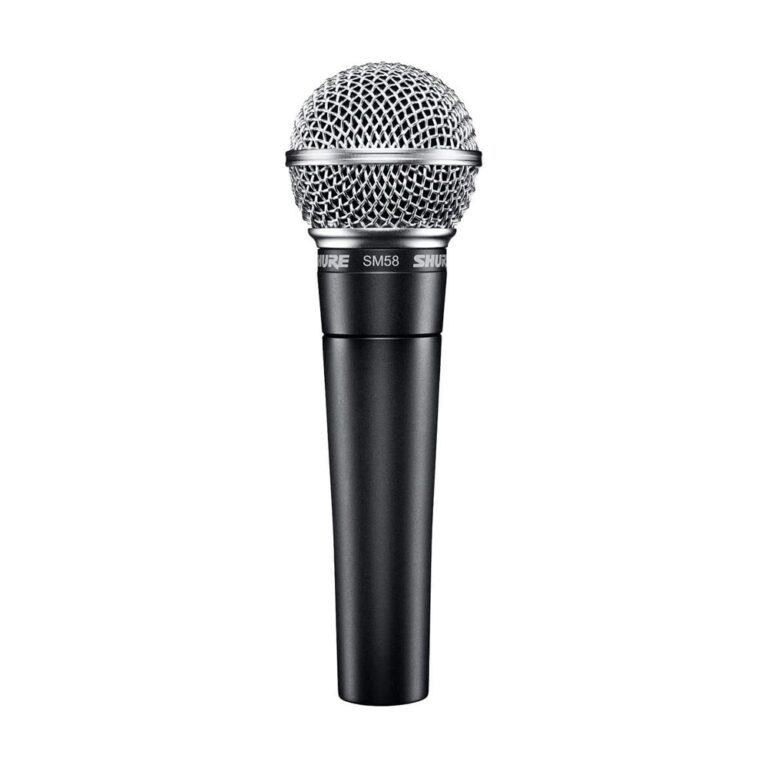
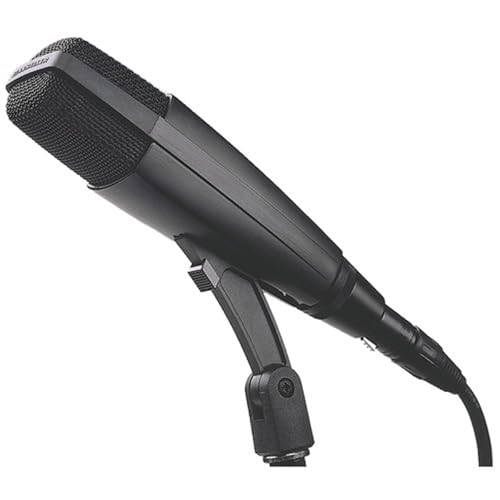
Two microphones sit side by side on the shelf. One plugs straight into your laptop with a USB cable. The other has three little pins at the bottom and needs a box you don’t own yet. The USB one looks like the obvious deal. Is it?
Sometimes. The difference between a USB mic and an XLR mic isn’t really sound quality. It’s where the sound gets turned into numbers, and that decides how far the mic can grow with you.
The real difference
Every microphone makes a tiny electrical signal, and before your computer can record it, two things have to happen. The signal needs boosting, which is a preamp’s job, and it needs turning into digital audio, which is a converter’s job.
A USB mic does both inside its own body. Plug it in and your computer sees a finished digital signal. An XLR mic leaves both jobs to something else, usually an audio interface that sits between the mic and the computer.
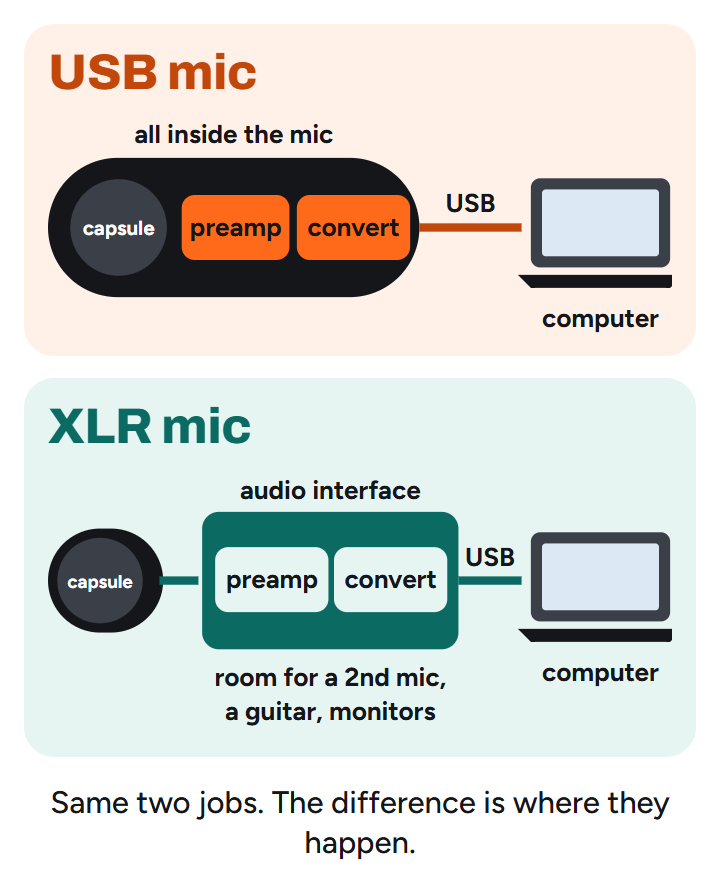
That’s it. Same kind of capsule picking up your voice, different place for the electronics.
Where USB is great
Speed and simplicity. One cable, no extra box, nothing to learn. For a podcast, a stream, voice-over or a quick song idea, a decent USB mic records perfectly usable audio, and you’ll be recording two minutes after opening the box.
Where USB stops
The trouble starts the day you want more. A USB mic is one mic with one built-in preamp and converter, and that’s where it stays. Want to record your guitar at the same time? There’s nowhere to plug it in. Want a second mic for a duet or a guest? Two USB mics on one computer is fiddly at best. Want studio monitors? A USB mic has no outputs for them.
So the cheap way in can become the expensive way round: you buy the USB mic, outgrow it, then buy an XLR mic and an interface anyway.
What XLR costs you, and what it gives back
Up front, XLR costs more: the mic, an interface and a cable. A good two-input interface costs about as much as the mic again, sometimes more.
What you get back is a system. The interface takes a second mic, a guitar or a keyboard. It feeds your monitors and headphones. It supplies the phantom power a condenser mic needs. And the day you want a better mic, you swap the mic and keep everything else. That’s why every studio, from a bedroom to a big room, runs on XLR.
Can’t you just use an XLR-to-USB cable?
You’ll see them for not much money: a cable with an XLR plug on one end and USB on the other. Inside the USB end is a tiny preamp and converter, so technically it turns any XLR mic into a USB mic.
It works, in the way a spare tyre works. The preamps in the cheap ones are basic and often struggle to give a dynamic mic like the SM58 enough boost, most can’t supply the phantom power a condenser needs, and few have a headphone jack to hear yourself. The better adapters fix some of that, but by then they cost close to a real interface.
If you’re tempted, put the money towards an interface instead. Even the cheapest one from a reputable maker does the job properly, and it’ll still be on your desk in five years.
The way out: mics that do both
Here’s the thing most “USB vs XLR” articles skip: you don’t always have to choose.
A hybrid mic has both a USB port and an XLR socket. On day one you plug it straight into your laptop and record, no interface needed. Six months later, when you buy an interface because you want to record a guitar too, you switch to the XLR cable and the same mic keeps working, now through better preamps.
The Samson Q2U is the budget version of this idea, and it’s a dynamic mic, which suits a bedroom (it hears you, not your room). If you can stretch, the Shure MV7+ does the same trick with a lot more polish.
The catch? A hybrid is one mic. It won’t turn into two. If you already know you’ll record two things at once, skip the hybrid and go straight to XLR and an interface.
Hybrid on a budget: Samson Q2U
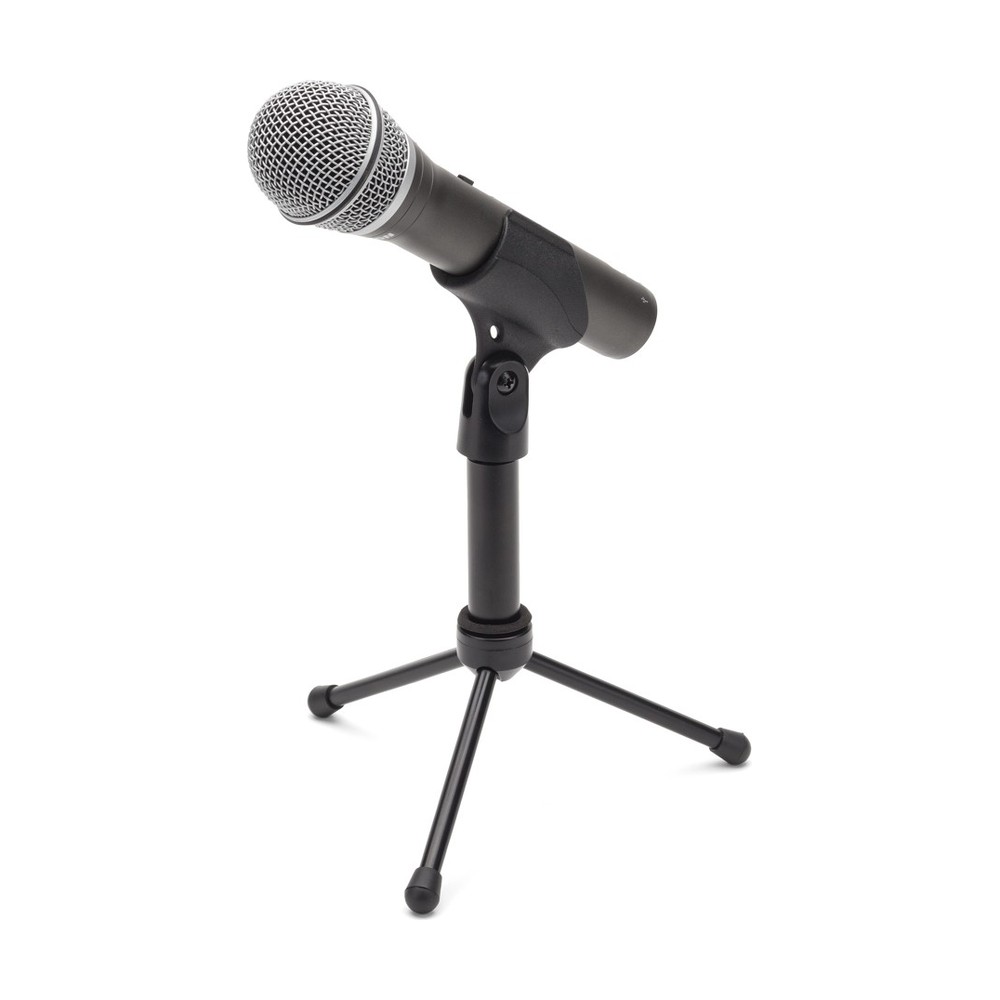
A handheld dynamic mic with USB and XLR outputs and a headphone jack on the mic itself, so you can hear yourself with no delay while you record over USB. The pack comes with a small desk stand and both cables.
The catch: over USB it records at 16-bit, 48 kHz, which is fine for speech and demos but a step below what an interface gives you. And like any dynamic, it wants you close.
For the price of a cheap USB-only mic, it’s the safest first mic there is: it works today on its own, and it still works the day you buy an interface.
Hybrid step-up: Shure MV7+
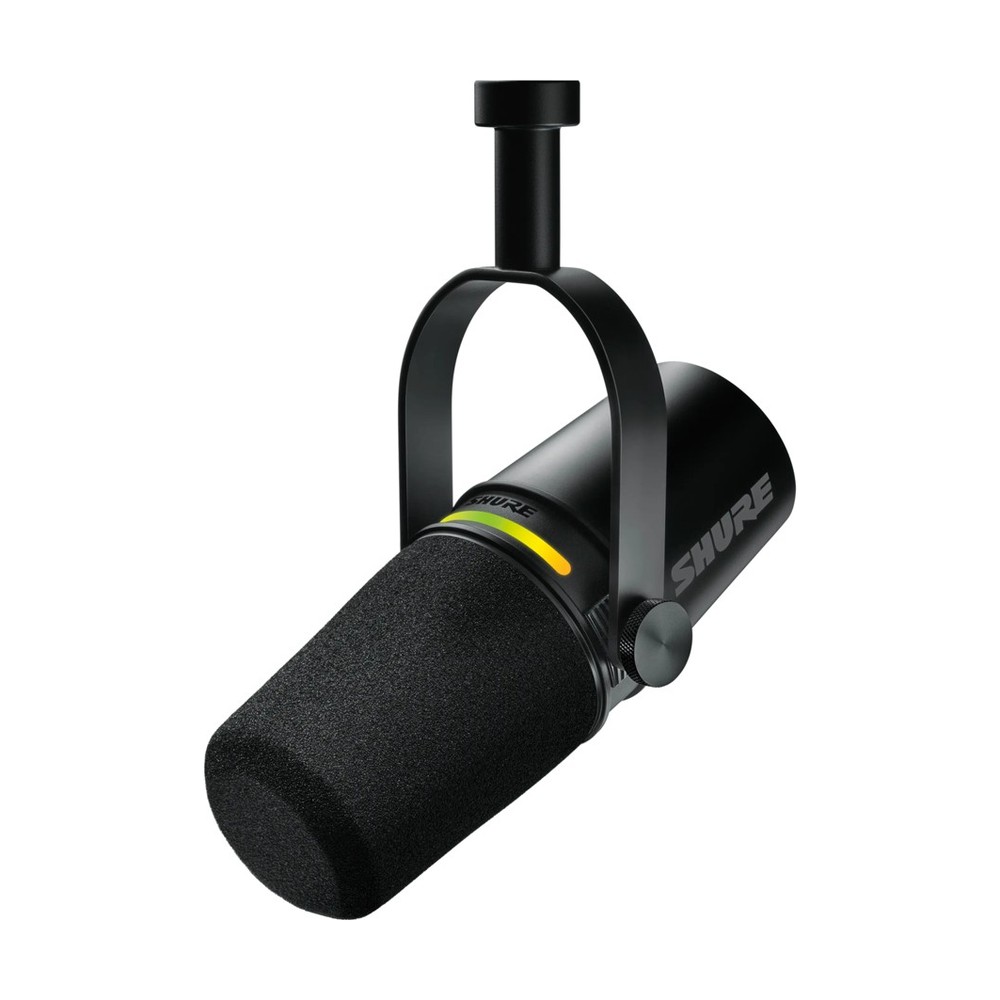
The polished version: a dynamic mic with USB-C and XLR, a touch panel for muting and levels, and Shure’s software to shape the sound. Its auto level mode adjusts your input as you move, which makes it very hard to get a bad recording.
The catch is the price. It costs about as much as an SM58 and a basic interface together, and that pair can grow into a whole studio.
If you mostly talk, for podcasts or streams, and want the nicest single box for it, it’s worth the money. If you make music, put the same money into XLR.
Our verdict, by person
Singer-songwriter: XLR. You’ll want your guitar and your voice together sooner than you think. A dynamic mic and a two-input interface is the classic start.
Beatmaker who records the odd vocal: a hybrid if you’re on headphones, XLR if you have monitors or plan to.
Podcaster or streamer: USB or a hybrid. Your voice is the only instrument, and simplicity wins.
Our XLR pick: Shure SM58
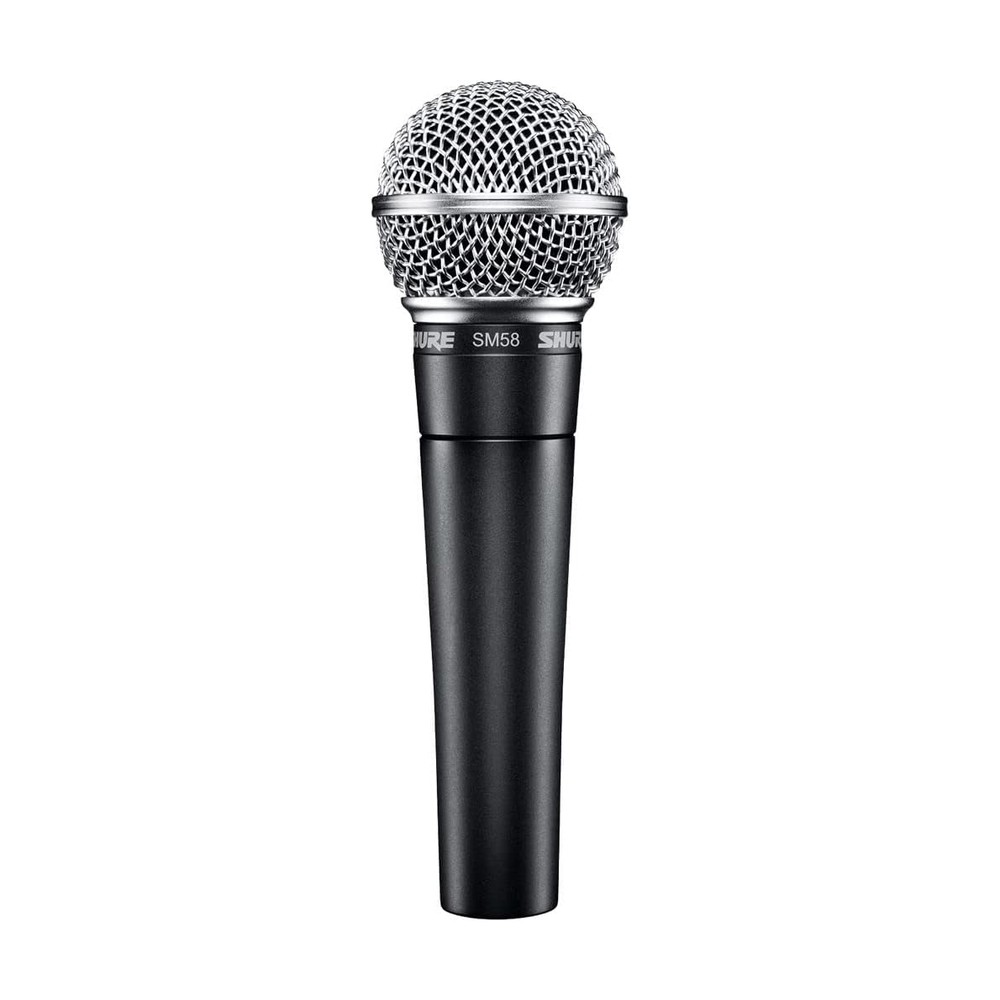
If you go XLR, start here. It’s affordable, nearly indestructible and forgiving in an ordinary room, which is why it’s our dynamic pick in dynamic vs condenser too. Pair it with an interface like the Focusrite Scarlett 2i2 and you have the core of a studio that can grow for years.
Happy producing.